Field guide · Updated 2026-09-27
AI Automation Tools: How to Choose the Right Platform
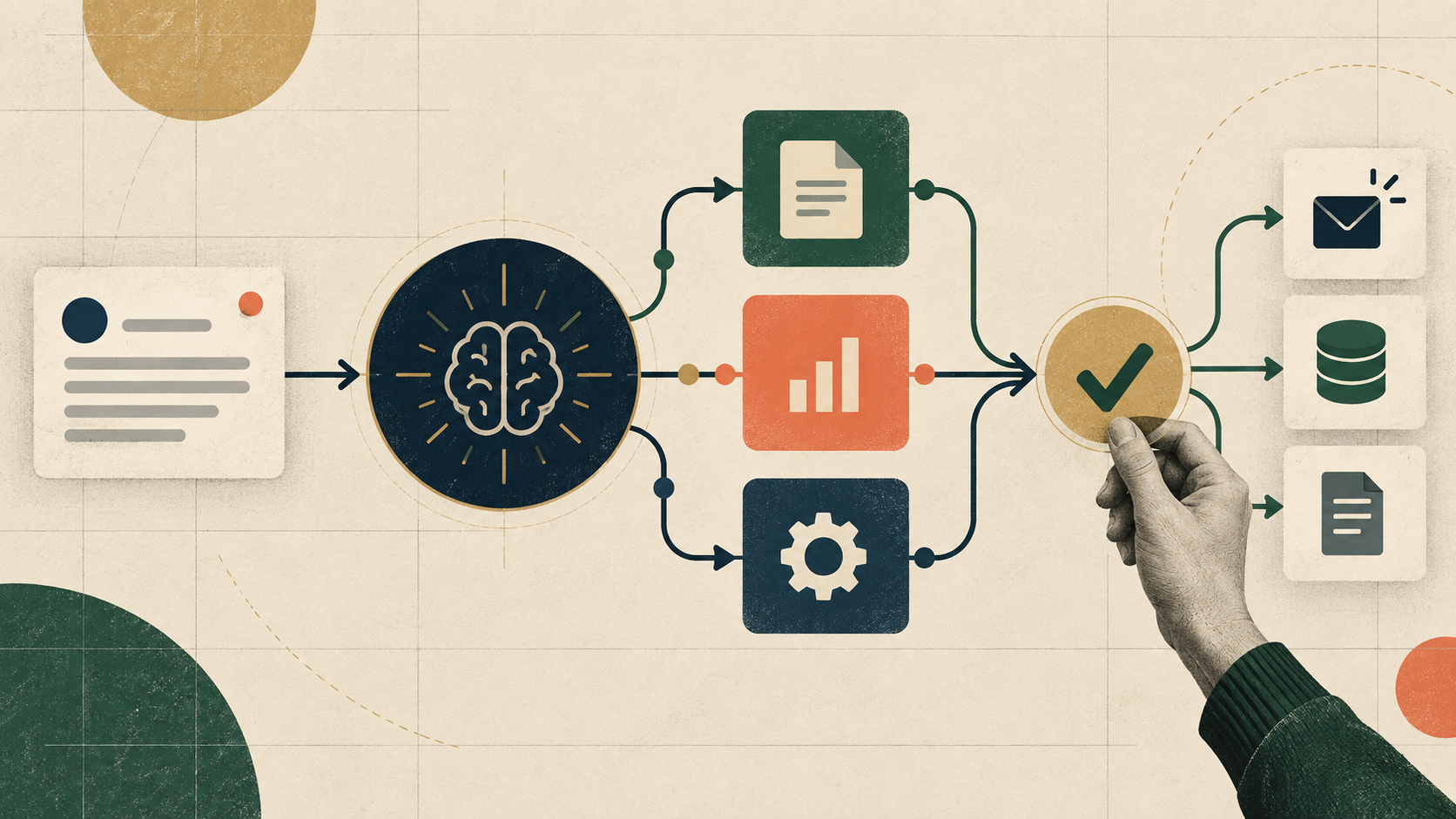
Choose an AI automation tool by starting with the workflow, not the brand. List the trigger, required apps, data sensitivity, actions, approval points, failure handling, and expected run volume. Zapier, Make, n8n, and Microsoft Power Automate can all add AI to workflows, but they differ in deployment options, visual design, ecosystem, governance, and how agent-like behavior is configured. Build one narrow workflow, test it with real edge cases, and require approval before actions that send messages, modify records, spend money, or delete data.
What counts as an AI automation tool?
Traditional automation follows a predefined path: when an event occurs, run a known sequence of actions. AI automation adds a model step that can classify, extract, summarize, draft, or select an allowed tool. An agent goes further by choosing among tools or steps based on a goal. That flexibility is useful for messy text and variable requests, but it also creates uncertainty. Use deterministic rules for permissions, financial limits, destinations, and destructive actions; reserve the model for decisions that genuinely require interpreting unstructured information.
n8n: flexible workflows with a self-hosting option
n8n combines workflow automation with AI nodes and agent-building features. Its official documentation describes cloud, npm, and self-hosted options, plus support for connecting apps through APIs and building AI functionality. It is a strong candidate when deployment control, custom code, API flexibility, or keeping more infrastructure under your control matters. Self-hosting is not automatically simpler or safer: your team becomes responsible for updates, backups, credentials, network exposure, monitoring, and recovery.
Zapier: app-connected automation with built-in AI steps
Zapier is suited to workflows centered on connecting many hosted business applications. Its current documentation describes AI by Zapier steps that can use prompts, models, tools, knowledge, and structured output fields. Zapier also documents agent workflows that use triggers and actions from its app ecosystem. Evaluate the exact apps and actions you need rather than relying on the total integration count, because an integration may not expose every operation or field required by your workflow. Check plan limits and activity accounting with a realistic test volume.
Make: visual orchestration for scenarios and agents
Make is a visual platform for designing and automating workflows without requiring every step to be written as code. This makes it useful when a team wants to inspect how modules and data move through a scenario. Before choosing it, prototype the exact integrations you need and test error paths, retries, data mapping, and operational visibility. If you add model-driven decisions, keep consequential actions behind explicit rules or approvals rather than assuming the model will always choose the intended route.
Microsoft Power Automate: a natural fit for Microsoft environments
Power Automate integrates with Microsoft Power Platform, while AI Builder provides prebuilt or custom AI capabilities and prompt actions inside flows. Microsoft documents using prompt output in a flow and adding an approval so reviewers can inspect generated text. It deserves consideration when the organization already relies on Microsoft 365, Dataverse, Power Apps, Azure governance, or existing Power Automate flows. Confirm regional availability, licensing, capacity, connector policies, and administrative controls before designing a production workflow.
Use a requirements scorecard instead of a generic ranking
Create a short scorecard for your actual workflow. Include required connectors, webhook and API support, structured outputs, human approvals, secret management, audit history, retries, versioning, test environments, data residency, self-hosting needs, team permissions, run limits, and total cost at expected volume. Mark any requirement that is non-negotiable. A platform with more features can still be the wrong choice if it lacks one critical action, cannot meet a governance rule, or makes failures difficult to diagnose.
Build one narrow proof of concept
A useful first test is an inbox triage workflow that reads a sample message, assigns a category, drafts a response, and stops for human approval. Use synthetic or non-sensitive data first. Test ambiguous requests, missing fields, prompt injection in the input, model timeouts, duplicate events, malformed output, rate limits, and downstream API failures. Record success rate, correction rate, latency, cost per run, and the number of cases that require intervention. Do not enable unattended sending until the measured failure modes are acceptable.
Add guardrails before adding autonomy
Give the workflow only the permissions it needs. Separate read tools from write tools, constrain destinations and amounts, validate model output against a schema, set timeouts and iteration limits, and log every consequential action. Require explicit approval for sending external communications, changing access, modifying production records, placing orders, or deleting data. Keep credentials in the platform's secret or connection system rather than prompts. An agent should fail closed when an instruction is unclear or a required check cannot be completed.
A practical selection sequence
First, map one workflow and its risk boundary. Second, verify the required connectors and actions in each vendor's current documentation. Third, build the same small test in no more than two shortlisted platforms. Fourth, measure reliability, maintenance effort, run cost, and review burden. Finally, choose the platform that meets the hard requirements with the least operational complexity. Revisit the decision when volume, integrations, governance, or hosting requirements materially change.
Common questions
There is no universal winner. A beginner should choose the tool that supports the required apps, makes the workflow understandable, and provides safe testing and approval controls. A small proof of concept is more informative than a feature list.
Use a normal workflow when the steps and rules are known. Add AI for tasks involving unstructured text or classification. Use agent-like tool selection only when variable planning creates enough value to justify additional testing, monitoring, and guardrails.
Low-risk, reversible, well-tested actions may run unattended. Actions involving external messages, money, permissions, production data, or deletion should normally include an approval or another strong control until reliability is demonstrated.